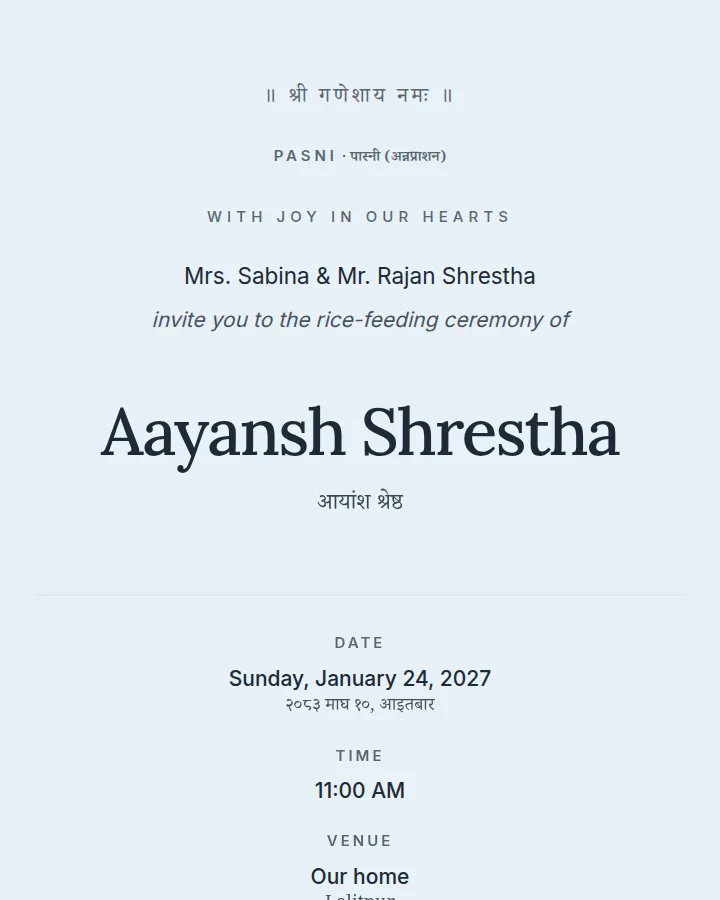
Soft sky blue and snow white, calm and fresh — for any celebration.
For pasni, birthday, engagement, bratabandha, wedding, reception
Use this designFree during our pilot
Designs by Nepali designers for weddings, bratabandha, pasni, puja and more. Personalise one in minutes and share a single link on WhatsApp — dates in Bikram Sambat, a map, and RSVP included.
Soft sky blue and snow white, calm and fresh — for any celebration.
For pasni, birthday, engagement, bratabandha, wedding, reception
Use this design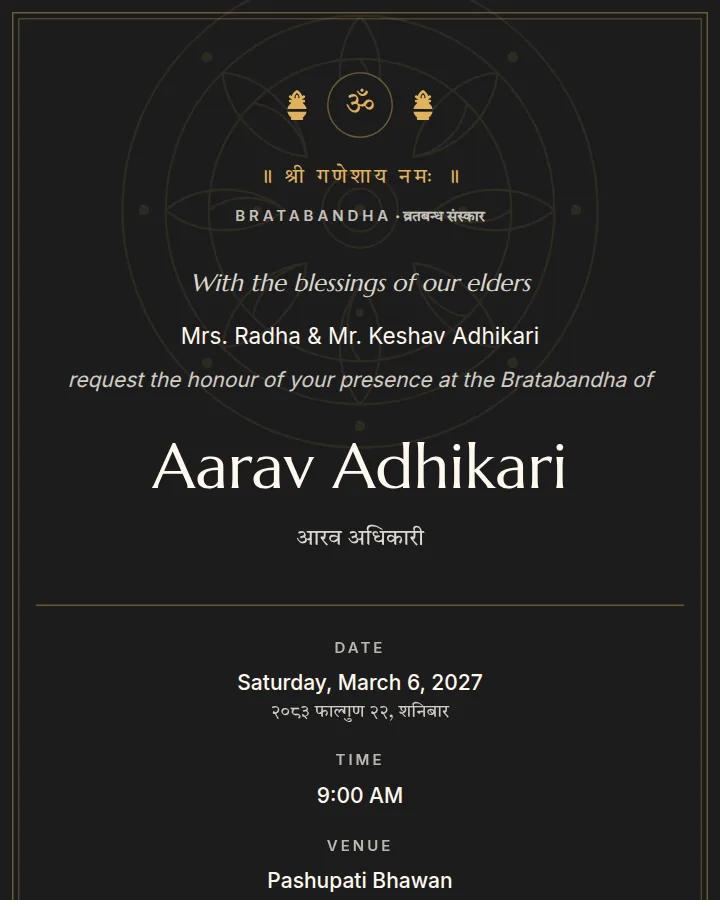
Temple red and black with brass accents, inspired by Kathmandu Valley craft.
For bratabandha, pasni, puja, wedding
Use this design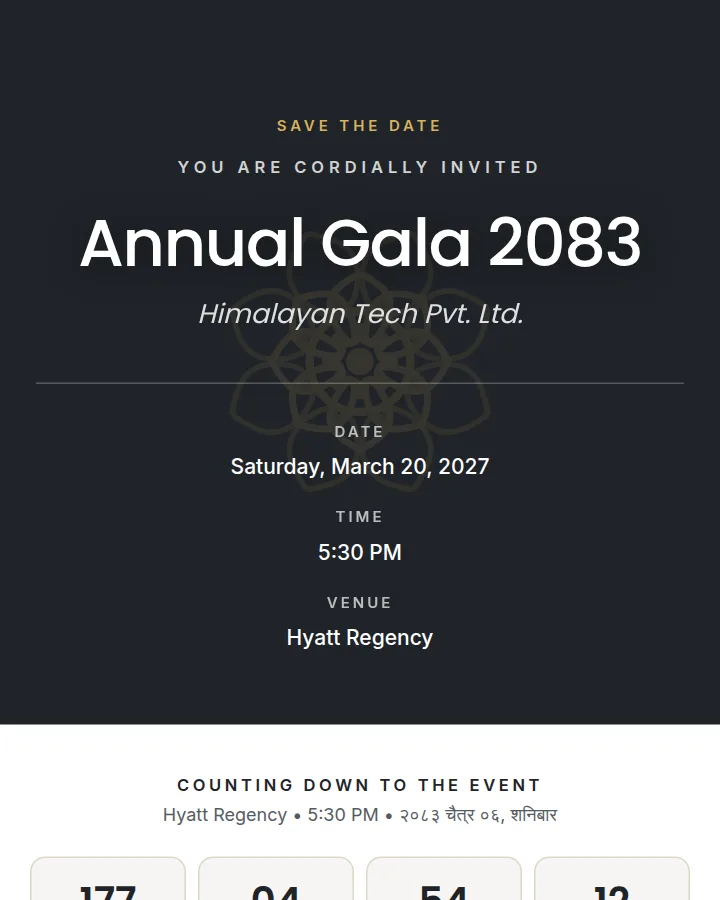
Charcoal and gold, crisp and confident — launches, galas and milestone birthdays.
For corporate, birthday, reception
Use this design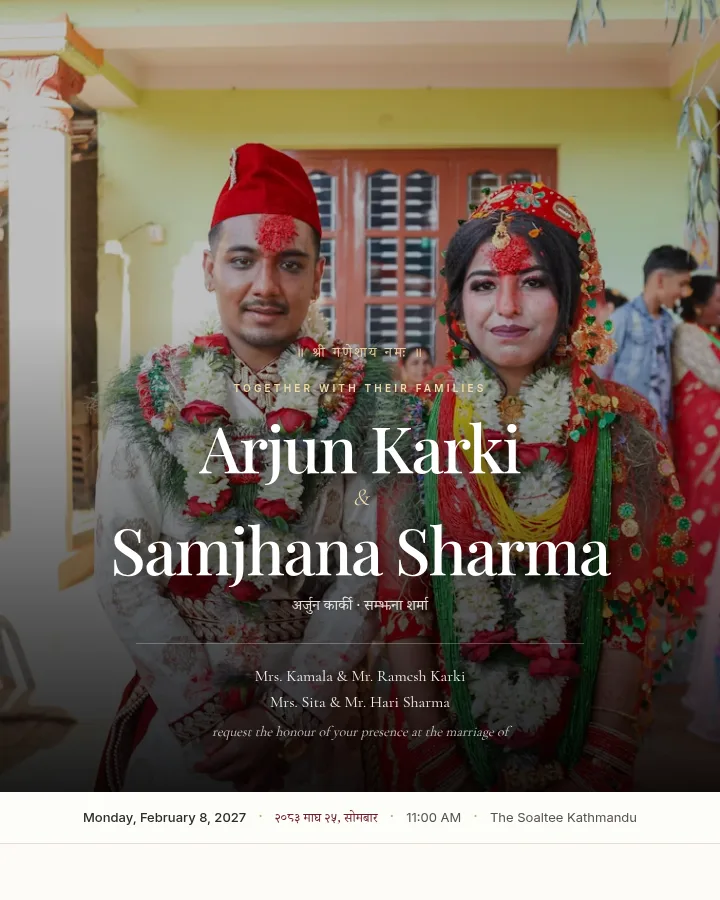
Photo-led — your picture fills the screen, with the details beneath it.
For wedding, engagement, reception, birthday, pasni
Use this design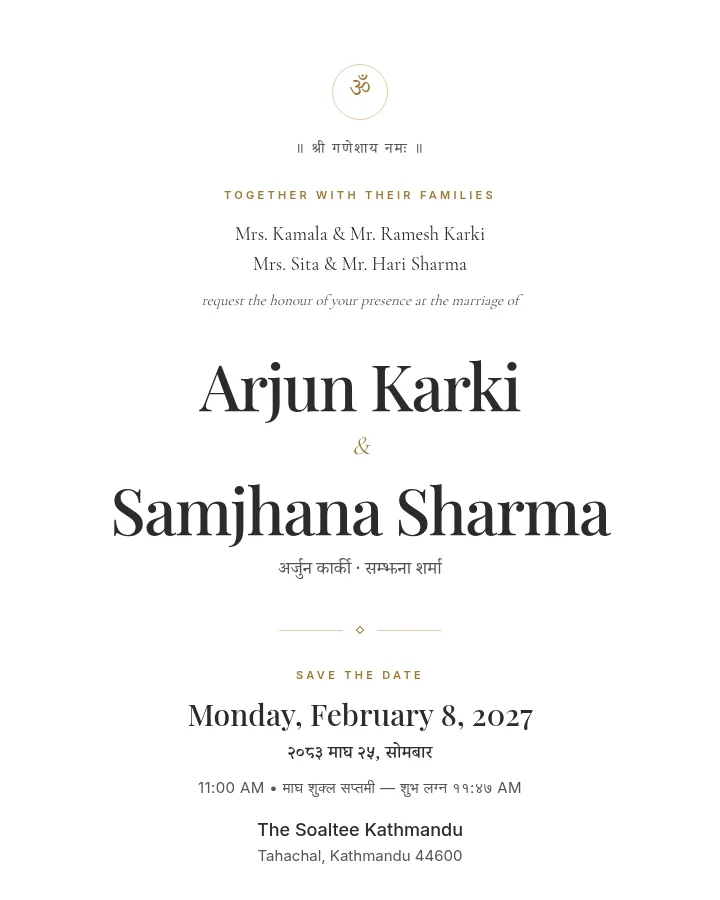
Quiet luxury — ivory and fine gold lines, oversized typography, generous air.
For wedding, engagement, reception, birthday, corporate
Use this design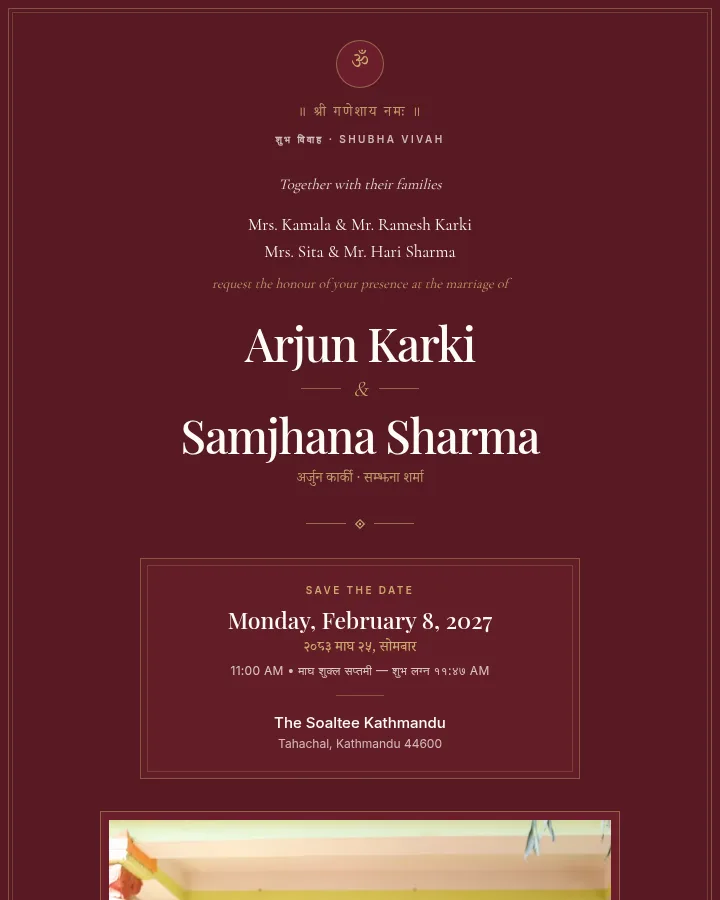
Ceremonial and rich — deep maroon, cream and gold with traditional borders.
For wedding, reception, bratabandha, puja, engagement
Use this designPhoto-led — your picture fills the screen, with the details beneath it.
For wedding, engagement, reception, birthday, pasni
Use this designQuiet luxury — ivory and fine gold lines, oversized typography, generous air.
For wedding, engagement, reception, birthday, corporate
Use this designCeremonial and rich — deep maroon, cream and gold with traditional borders.
For wedding, reception, bratabandha, puja, engagement
Use this designBrowse by event and style, preview it as your celebration, save favourites.
Names, date and venue — in Nepali and English. Add ceremonies, family, photos and RSVP if you like.
Publish and send it on WhatsApp, or print the QR on a card. Edit any time.
For designers & studios
Reach families planning weddings, bratabandha and pasni across Nepal and abroad. Your name on every design, your own storefront.